Help
What is this site?
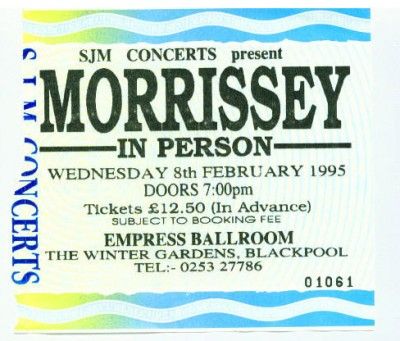
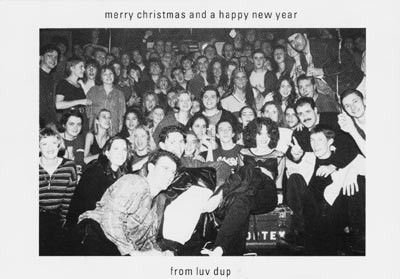
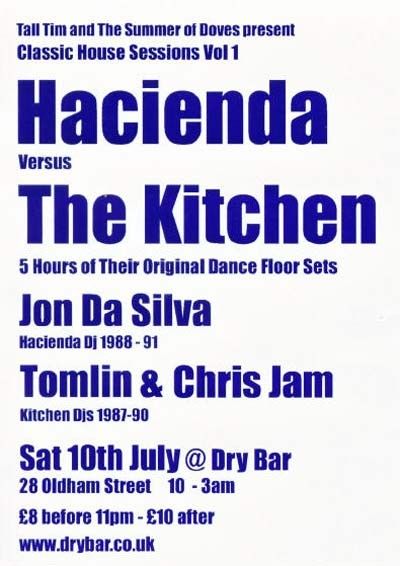
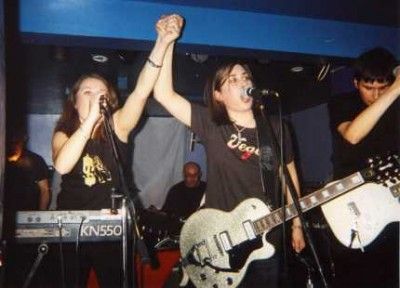
MDMArchive is a not-for-profit organisation run voluntarily by a handful of music-lovers. Our website is a place for people all around the world to upload their favourite Greater Manchester music artefacts and stories, and to let others know how important Greater Manchester music is to them, whether they are a fan, a musician or involved with the music industry itself.
We believe that by collecting these stories and scans virtually, we can help to preserve the social and cultural history of one of the most important and influential music cities in the world.
So, where's the archive held? Is there a museum?
MDMArchive was formed in 2004 and our 'big plan' is to open a physical museum dedicated to Greater Manchester music. Obviously, opening and running a museum building is an enormous undertaking reliant on huge amounts of funding. As a stopgap, we decided to start an online archive whilst continuing our campaign for a physical space.
How do I upload my artefacts and tell my stories?
The site has been designed with user-friendliness in mind.
To upload an artefact, add a story or leave a comment you need to be logged in to the site. Do this by clicking the orange coloured 'LOG IN' link under the 'Register' header on the left of the home page. (All text in orange is a link that will take you to the corresponding page.)
You will see two sections; 'I already have an account' and below, 'Create new account'.
If you don't already have an account you will need to fill in the 'Create New Account' section. Type in your email address and make up a password. (Remember this password - you will need it each time you log in).
You also need to have a Username - this is the name other people will see at the bottom of you uploaded artefact.
If you don't want other users to email you tick the box after 'Hide my e-mail address from other members'.
You may, however, be happy to be in contact with other members. If you're in doubt you can leave this and change it later by contacting us.
Once you have filled in all the above and read the sites Terms & Conditions, click the orange 'I Agree to the Terms and Conditions' button. You will then see a notice explaining that an email has been sent to you which you need to respond to to validate your account. Once you have done this then you are a full MDMarchive member! Congratulations... You are now a registered user.
To upload an artefact:
1) Click the 'Add Artefact' link (under the 'Archive' header on the left of the page). A new page will open. At the top you will see a link to give you some tips on uploading. If it's your first upload to our site we recommend reading it first.
2) When you're ready to upload an artefact click the 'artefact type' box. A dropdown menu will appear - carefully choose what type of artefact it is.
3) In the next box along you choose a date from when that artefact is
from. If you can pin your artefact down to an exact date (e.g. a
concert ticket) then you can add the exact date using the 'choose
month' and 'choose day' drop-downs just above the the description box.
If you have done this, your artefact will also be added to our
calendar.
4) Next click the bands/artist box. Depending on your browser you can
simply type in the first couple of letters of the band and venue you
need and it will take you to those choices.
If your artefact doesn't relate to a Manchester band but is attached to a Manchester venue then you can leave the band as 'no band'.
5) Next choose a venue that your artefact relates to. If the band/artist is from Manchester but the venue isn't, leave the venue box as 'no venue'.
YOU MUST SELECT EITHER A BAND/ARTIST OR A VENUE.
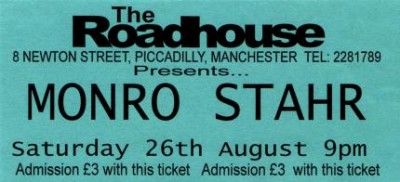
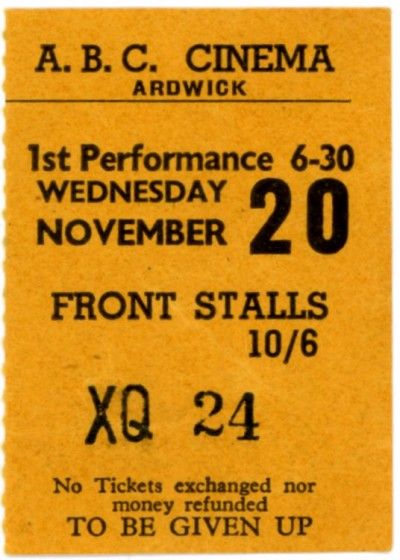
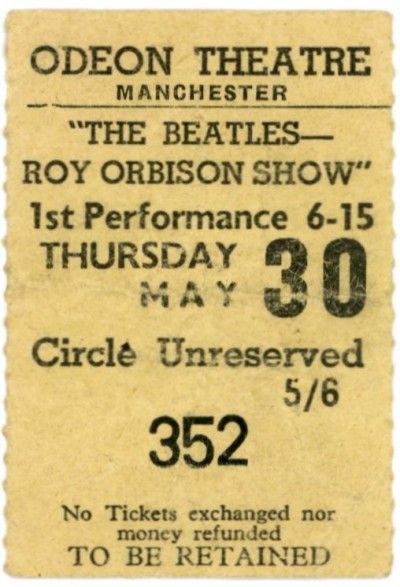
6) Once you have completed the above you must add some text to describe what you are uploading. Please be as descriptive as possible... people around the world are interested in your story and this is why we have built this site! What is your artefact? Where did you get it? What does it mean to you? Who is in it? etc...
Please remember to credit the photographer or designer.
Remember that this site will still exist in years to come and there will be a whole new generation of music lovers interested in what has come before them.
7) To add the picture of your artefact you need to click the 'choose file' button. This will let you browse your computer to find the picture you want to add. Once you've done this click 'save artefact' and voila! After a few seconds you should be able to see your uploaded artefact as it appears to everyone else!
Please try and make your picture as clear and detailed as possible. If the picture you are
uploading is a picture of a page of text, say from a magazine article, and you have scanned it at a decent size we may be able to convert the picture to actual text which we can add to your artefact. If this is the case please email us with the original scan.
Who counts as a DJ?
We have decided that we will only accept DJs in our list that are primarily known for DJing. If your friend once DJd at a party, please do not add them to the list. Please only include people who regularly DJ and play to a crowd.
I want to add an artefact to a band/artist/DJ/venue that isn't already in the list. What happens now?
If your artefact is linked to a band/artist/DJ or venue that doesn't
appear to be in the lists then you can add them by clicking the 'Add a
Band', 'Add a DJ' or 'Add a Venue' and typing the name in the box at
the top of the list. Please double check that the names have
definitely not already been added (remembering that there may be
variants in the names e.g. some people call the 'Carling Apollo',
'Apollo' or 'The Apollo' - look out for 'The'!) Please be extra
careful not to add anything that is already listed and do NOT add
bands, artists, DJs or venues that are NOT from or in Greater
Manchester.
I've tried to upload a picture but I got a warning. Help me please!
If this has happened it's usually due to one of two things:
Either the picture you have tried to upload is too small for our site, or too big. Our site automatically resizes uploaded pictures to the same size, so the site looks nice and neat. This size is actually 400 pixels wide (the height can be much bigger) and at 72 dots per inch (dpi). Any
pictures uploaded must be NO SMALLER than 400 pixels otherwise the site will not accept it.
Although the site will automatically reduce larger images there is a limit to how big an image can be for it to make smaller. There is very some simple software available to resize images before you upload them. If you have the know-how to resize your images it will make it
fast and simple to upload if you make your image 400 pixels wide and 72dpi.
Email us if you are having problems.
I have some great artefacts but no way of getting them uploaded.
If this is the case and you live in Greater Manchester, contact us as we may be able to visit you with a laptop, a scanner and camera
What if I don't have an artefact to photograph?
Be creative! If you want to tell a story that involves Manchester
music but don't have an artefact to upload with it think about what
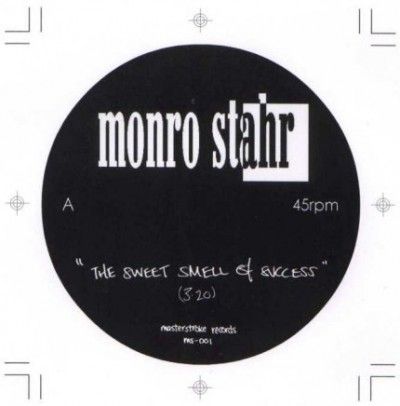
image you could add. Maybe you could simply scan the record or CD
connected to your story, or take a picture of yourself outside the
venue where it took place.
Why can't I add more than one venue to an artefact?
If you are adding an artefact which is connected to more than one
venue the event could be described as a 'Festival'. This would include
events such as 'Sounds from the Other City' or 'Carling Live 24'.
Please check that the festival you want to add isn't already in the
venue listing.
What's this calendar all about?
When you add an artefact with an exact date that artefact
automatically gets added to our calendar on that date. This will
enable people to take a look at the calendar and see which artefacts
exist which pertain to a particular day. You can also email us
important events, record release dates etc. to add to the calendar.
The calendar starts at 1900.